※本篇內文資訊參考如下※
- -
※更新文章日期: 2025-12-09
GearUP Booster 遊戲加速器 降低延遲 PC遊戲加速器
–
優惠購買連結:請點我
https://aff.gearupglobal.com/product/download/xRW8jLfrCEeP
Purchase Discount Link
–
GearUP Booster (Windows版)
GearUP Booster (Windows版) 介紹
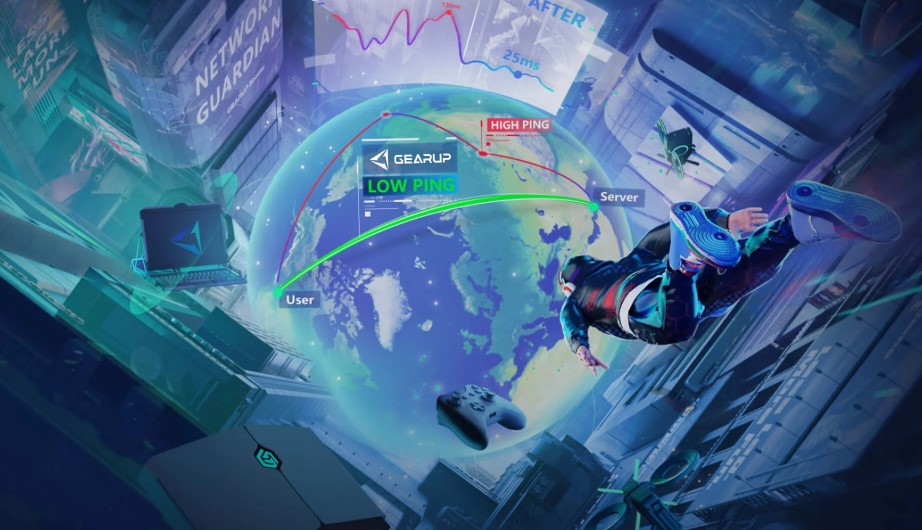
GearUP Booster(中文常稱為 GearUP 遊戲加速器)是一款專為 PC 玩家開發的軟體應用程式。不同於 HYPEREV 是硬體設備,Windows 版只需要下載安裝在電腦上即可使用。它主要透過智慧路由技術,優化電腦到遊戲伺服器之間的連線路徑。
1. 核心功能
降低延遲與 Ping 值: 透過全球部署的伺服器節點,為玩家建立一條「遊戲專用通道」,繞過擁擠的公共網路,顯著降低 Ping 值。
解決封包遺失 (Packet Loss): 穩定數據傳輸,減少遊戲中的瞬移、回溯(Rubber-banding)或突然斷線。
跨區連線 (Region Locking/Unlocking): 支援玩家自由選擇伺服器節點。例如身在台灣想玩《特戰英豪》馬來西亞服、或《英雄聯盟》韓服,它可以協助優化跨國連線品質。
支援全平台 PC 遊戲: 涵蓋 Steam、Battle.net、Epic Games、Origin、Uplay 等平台上的數千款遊戲。
2. 特殊功能:PC 共享加速主機
Windows 版 GearUP 有一個特殊功能,如果你的 PC 和遊戲主機(PS5/Xbox/Switch)在同一個區域網路下,你可以透過電腦開啟加速,並將網路分享給主機,讓主機也能享受到加速效果(但操作比 HYPEREV 稍微繁瑣一點,電腦必須開著)。
3. 使用方式
下載與安裝: 從官網下載 GearUP Booster 安裝檔。
登入與搜尋: 註冊/登入帳號,搜尋你想玩的遊戲名稱(例如:Valorant)。
一鍵加速: 點擊「加速」,軟體會自動選擇最佳節點,隨後啟動遊戲即可。
4. 費用模式
與 HYPEREV 類似,GearUP 軟體版採用訂閱制(Subscription),通常提供 1-3 天的免費試用,之後需要付費購買會員時長(月費、季費或年費)才能繼續使用。
–
GearUP Booster is a software application designed specifically for PC gamers. Unlike the HYPEREV, which is a physical hardware device, the Windows version simply needs to be downloaded and installed on your computer. It primarily uses smart routing technology to optimize the connection path between your PC and the game servers.
1. Core Functions
Lower Latency & Ping: Utilizing a global network of server nodes, it establishes a “dedicated gaming lane” for players. This bypasses congested public networks and significantly lowers Ping values.
Fix Packet Loss: It stabilizes data transmission, reducing in-game issues like teleporting, rubber-banding, or sudden disconnections.
Cross-Region Play: It supports players who wish to choose specific server nodes freely. For example, if you are in Taiwan but want to play Valorant on Malaysian servers or League of Legends on Korean servers, it optimizes the cross-border connection quality.
Full Platform Support: It covers thousands of games across major platforms including Steam, Battle.net, Epic Games, Origin, and Uplay.
2. Special Feature: PC-to-Console Sharing
The Windows version of GearUP has a unique feature: PC-to-Console Boosting. If your PC and your gaming console (PS5/Xbox/Switch) are on the same local network (LAN), you can activate the booster on your PC and “share” the optimized connection with your console. This allows the console to enjoy the boosting effects without needing the HYPEREV hardware (though the setup is slightly more complex than the hardware version, and the PC must remain on).
3. How to Use
Download & Install: Download the GearUP Booster installer from the official website.
Log in & Search: Register/Log in to your account, then search for the name of the game you want to play (e.g., Valorant).
One-Click Boost: Click “Boost.” The software will automatically select the best node/route. Once connected, launch your game.
4. Pricing Model
Similar to the HYPEREV, the GearUP software operates on a Subscription Model. It typically offers a free trial (usually 1-3 days), after which you must purchase a membership (Monthly, Quarterly, or Yearly plan) to continue using the service.
–
–